
How to upgrade Ozeki AI Gateway on Linux
This guide demonstrates how to upgrade Ozeki AI Gateway to the latest version on Linux systems. The upgrade process uses a single command that updates only the Ozeki AI Gateway package while preserving your configuration and data.
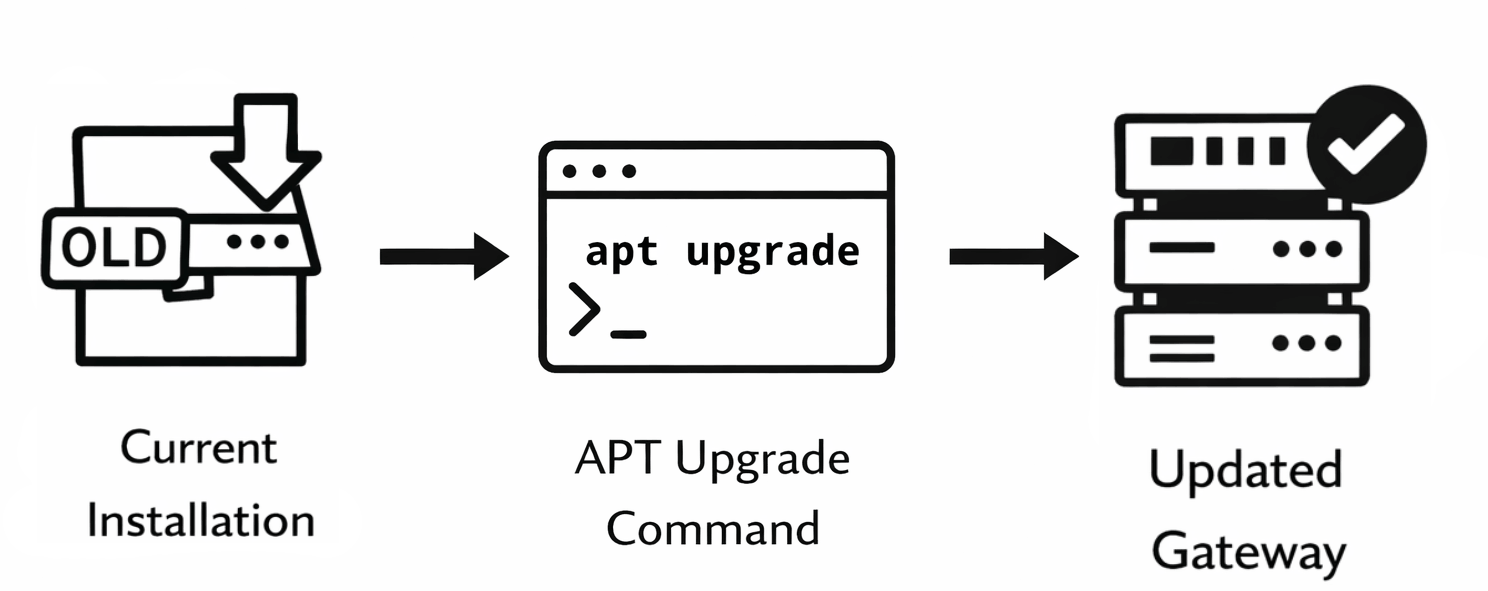
Steps to follow
How to upgrade Ozeki AI Gateway video
The following video shows how to upgrade Ozeki AI Gateway on Linux step-by-step. The video covers opening the terminal, running the upgrade command, and verifying the upgrade completion.
Step 1 - Open terminal
Open a terminal window on your Linux system. You can typically do this by pressing Ctrl+Alt+T, clicking the Terminal icon in the dock, or searching for "Terminal" in your applications menu (Figure 1).

Step 2 - Enter upgrade command
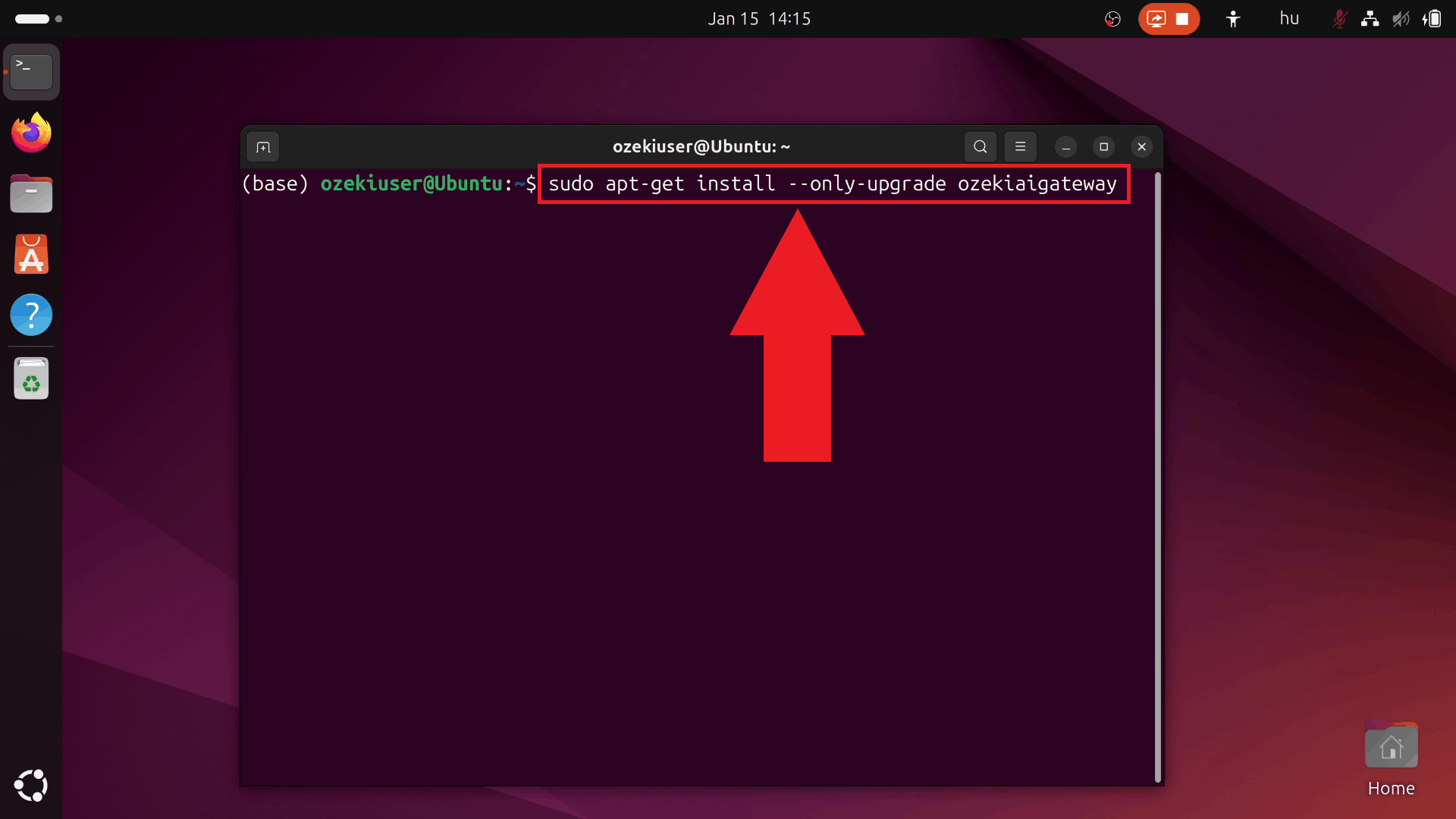
Type the upgrade command sudo apt-get install --only-upgrade ozekiaigateway and press Enter. This command updates only the Ozeki AI Gateway package to the latest available version from the repository. Your system may prompt for your password to authorize the upgrade (Figure 2).
sudo apt-get install --only-upgrade ozekiaigateway
Step 3 - Wait for upgrade to complete
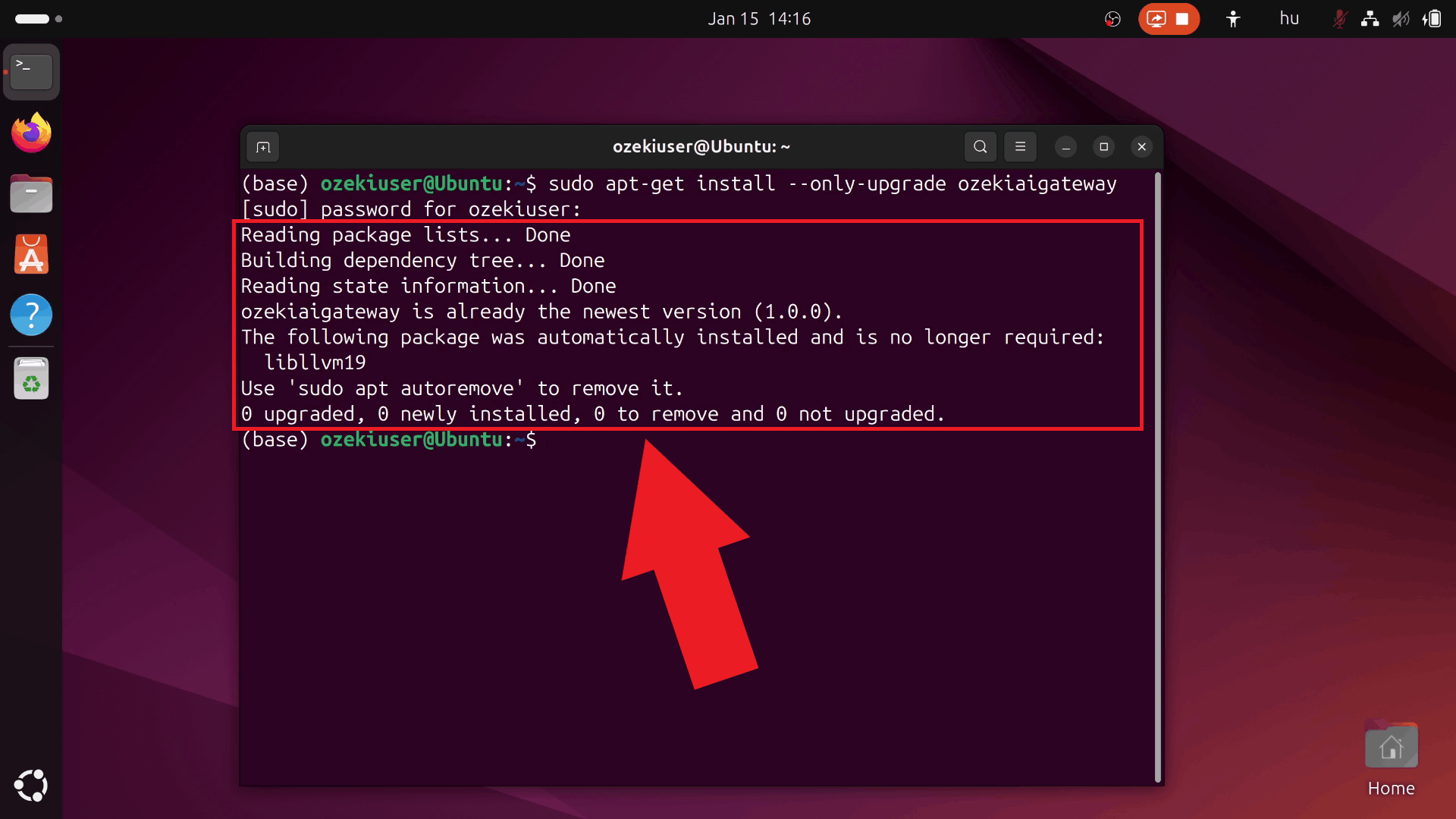
Wait for the upgrade process to complete. The terminal displays progress information and confirms successful upgrade when finished. Your Ozeki AI Gateway is now running the latest version with all your existing configuration and data preserved (Figure 3).
To sum it up
You have successfully upgraded Ozeki AI Gateway to the latest version. The upgrade preserves all your existing configuration, including provider settings, user accounts, API keys, and routes. You can now access the updated gateway through your web browser and continue using it with the latest features and improvements.