
How to uninstall Ozeki AI Gateway from Linux
This guide demonstrates how to completely remove Ozeki AI Gateway from your Linux system. The uninstall process removes the gateway package and makes the web interface inaccessible.
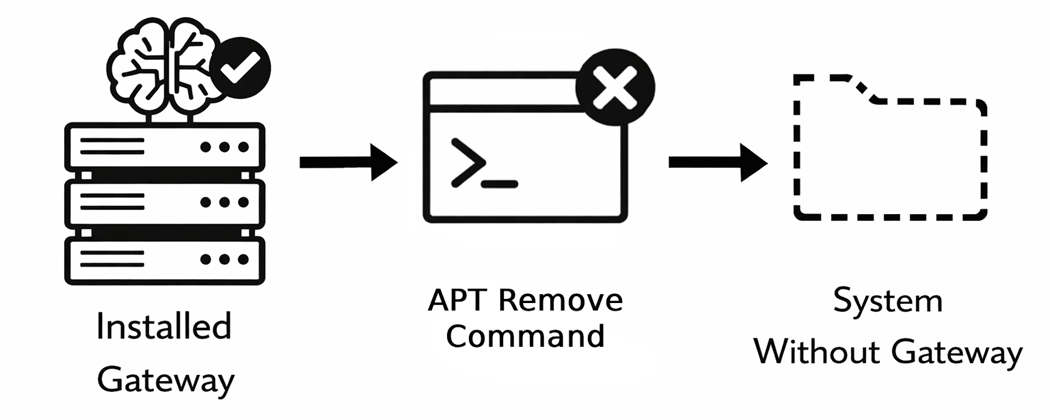
Steps to follow
- Open terminal
- Enter remove command
- Confirm package removal
- Wait for uninstall to complete
- Verify removal in web browser
How to uninstall Ozeki AI Gateway video
The following video shows how to uninstall Ozeki AI Gateway from Linux step-by-step. The video covers opening the terminal, running the removal command, confirming the uninstall, and verifying that the gateway has been removed.
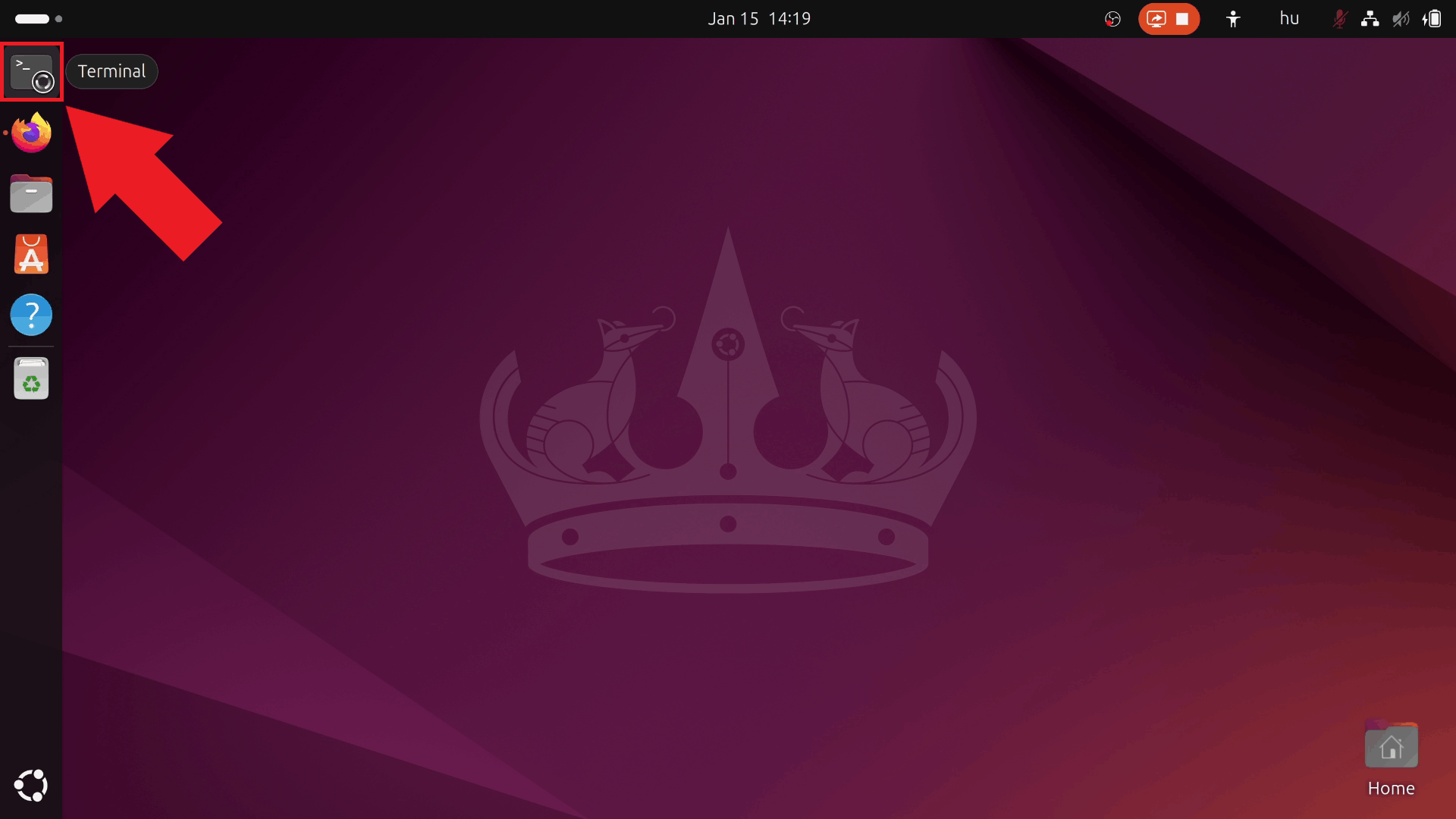
Step 1 - Open terminal
Open a terminal window on your Linux system. You can typically do this by pressing Ctrl+Alt+T, clicking the Terminal icon in the dock, or searching for "Terminal" in your applications menu. The terminal provides command-line access to execute the removal command (Figure 1).
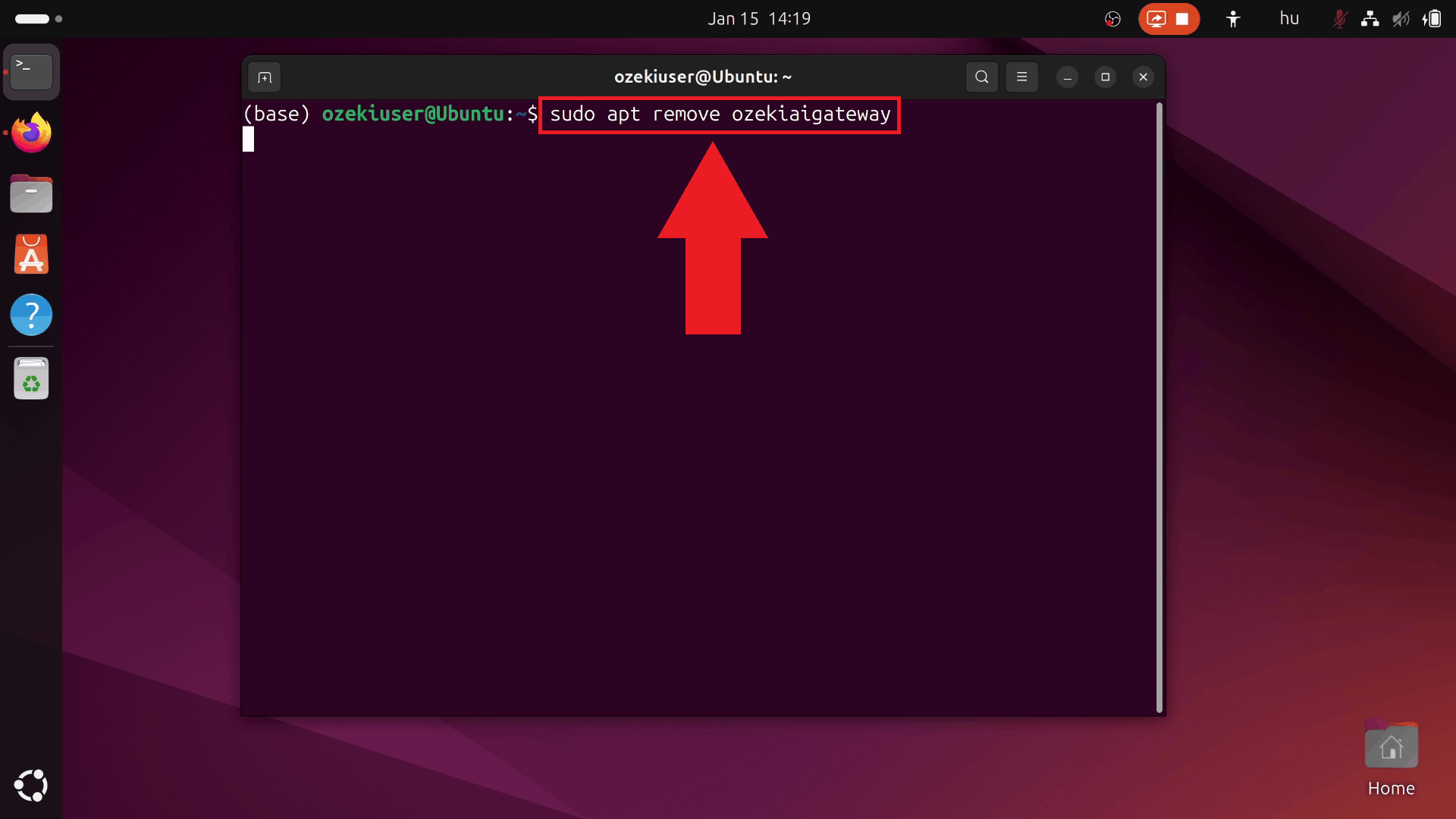
Step 2 - Enter remove command
Type the removal command sudo apt remove ozekiaigateway and press Enter. This command initiates the uninstallation process for Ozeki AI Gateway. Your system will prompt for your password to authorize the removal (Figure 2).
sudo apt remove ozekiaigateway
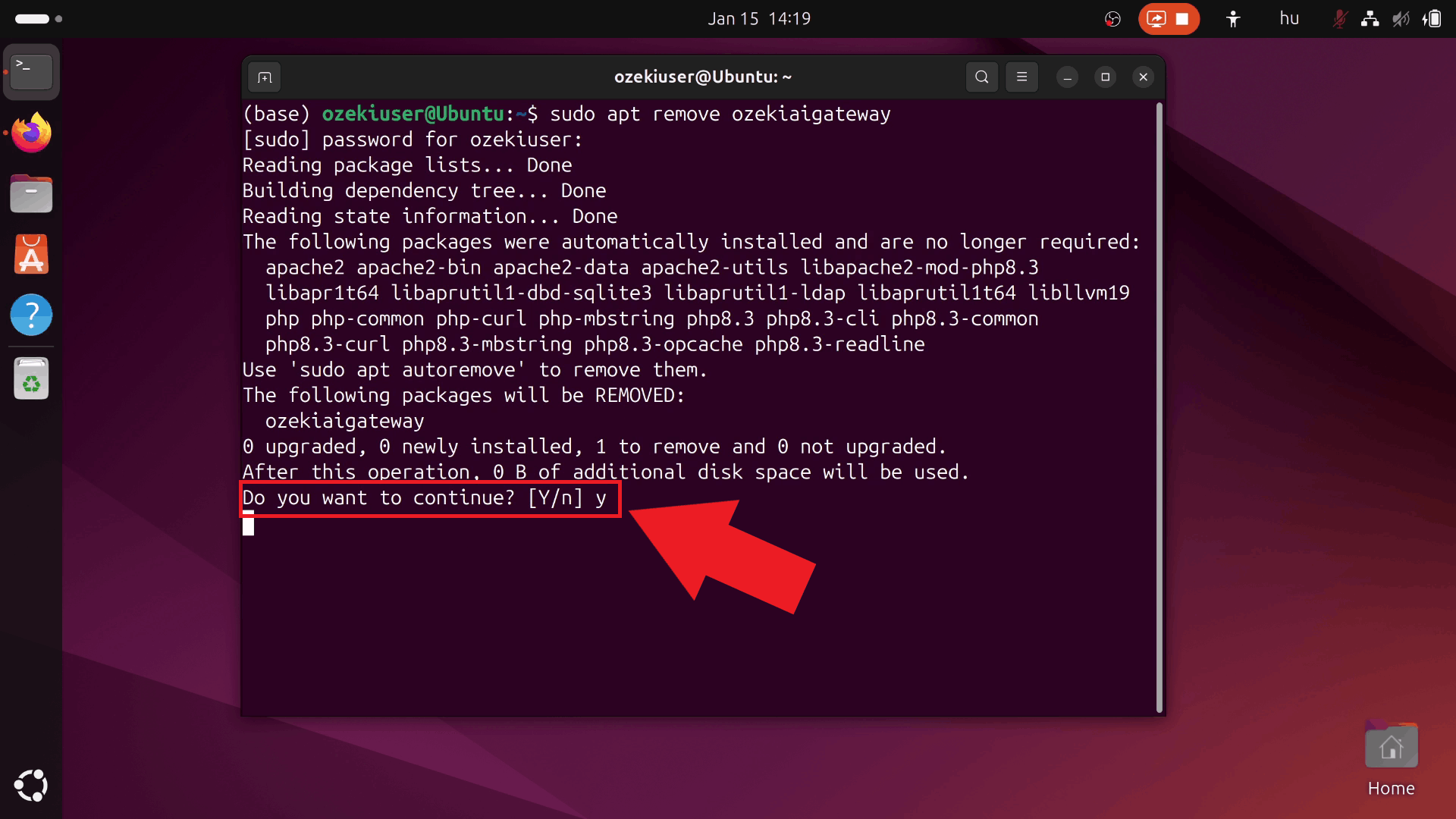
Step 3 - Confirm package removal
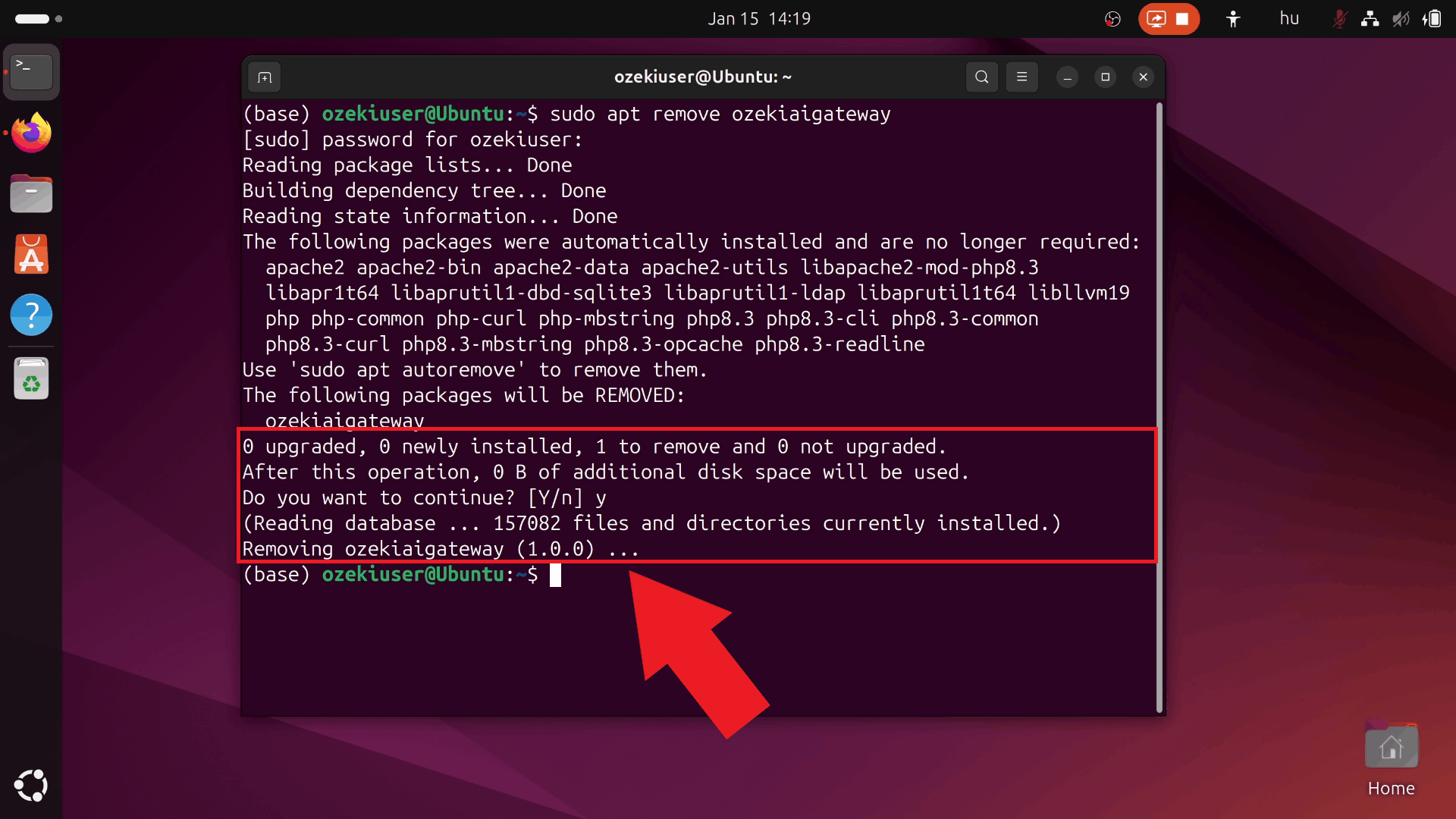
The system displays a list of packages that will be removed and prompts for confirmation. Type "y" and press Enter to confirm that you want to proceed with removing Ozeki AI Gateway (Figure 3).
Step 4 - Wait for uninstall to complete
Wait for the uninstallation process to complete. The terminal displays progress information and confirms successful removal when finished. Ozeki AI Gateway has been removed from your system (Figure 4).
Step 5 - Verify removal in web browser
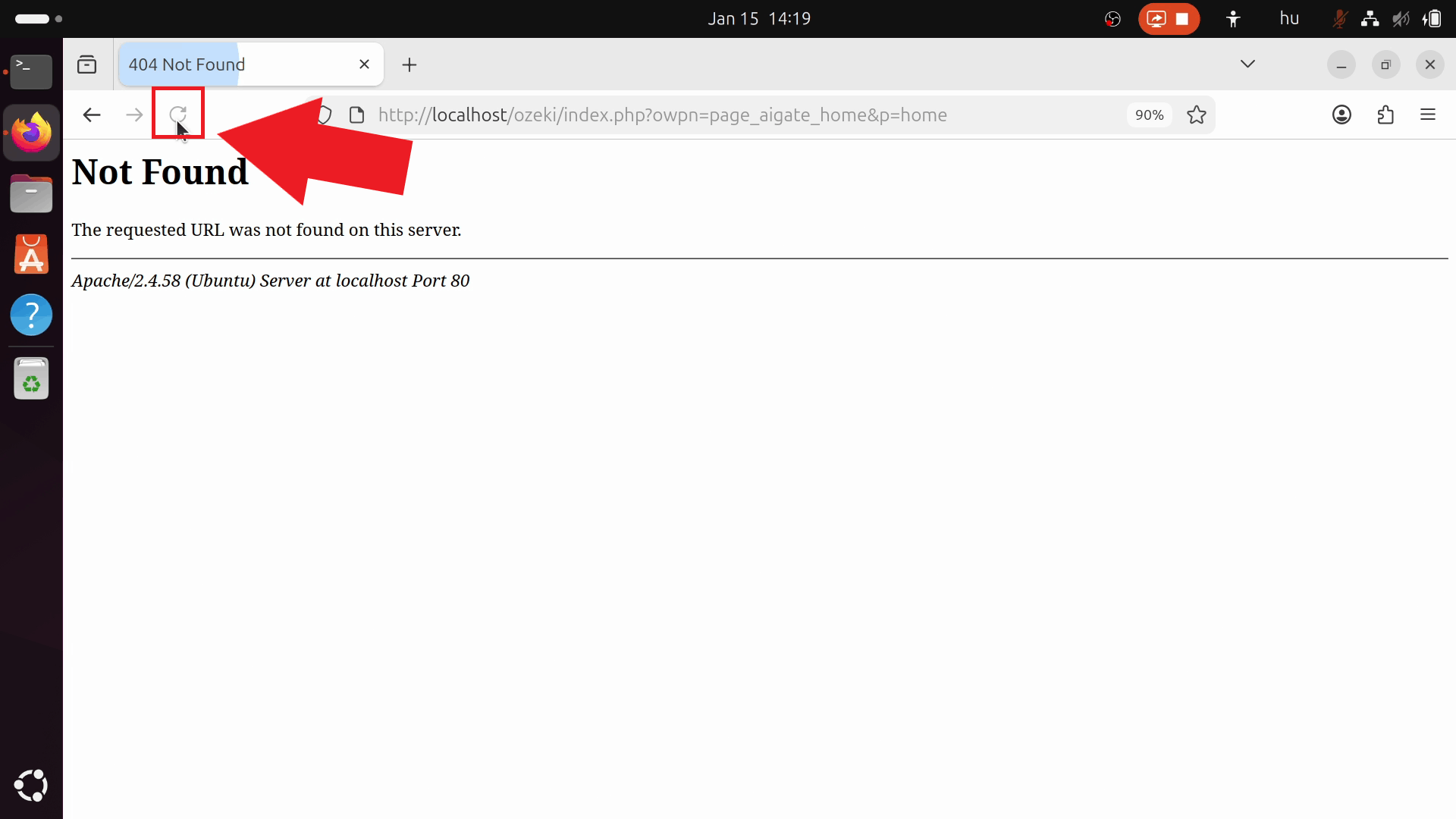
Open your web browser and navigate to the Ozeki AI Gateway URL. The page should now be inaccessible or display an error, confirming that Ozeki AI Gateway has been successfully removed from your system (Figure 5).
Final thoughts
You have successfully uninstalled Ozeki AI Gateway from your Linux system. The gateway application has been removed and the web interface is no longer accessible. If you need to reinstall Ozeki AI Gateway in the future, you can follow the installation guide to set it up again.