Screenshots
This page showcases key features of Ozeki AI Gateway through screenshots of its main interface sections. These images provide a visual overview of the gateway's capabilities, from managing AI providers and users to creating routes and testing connections.
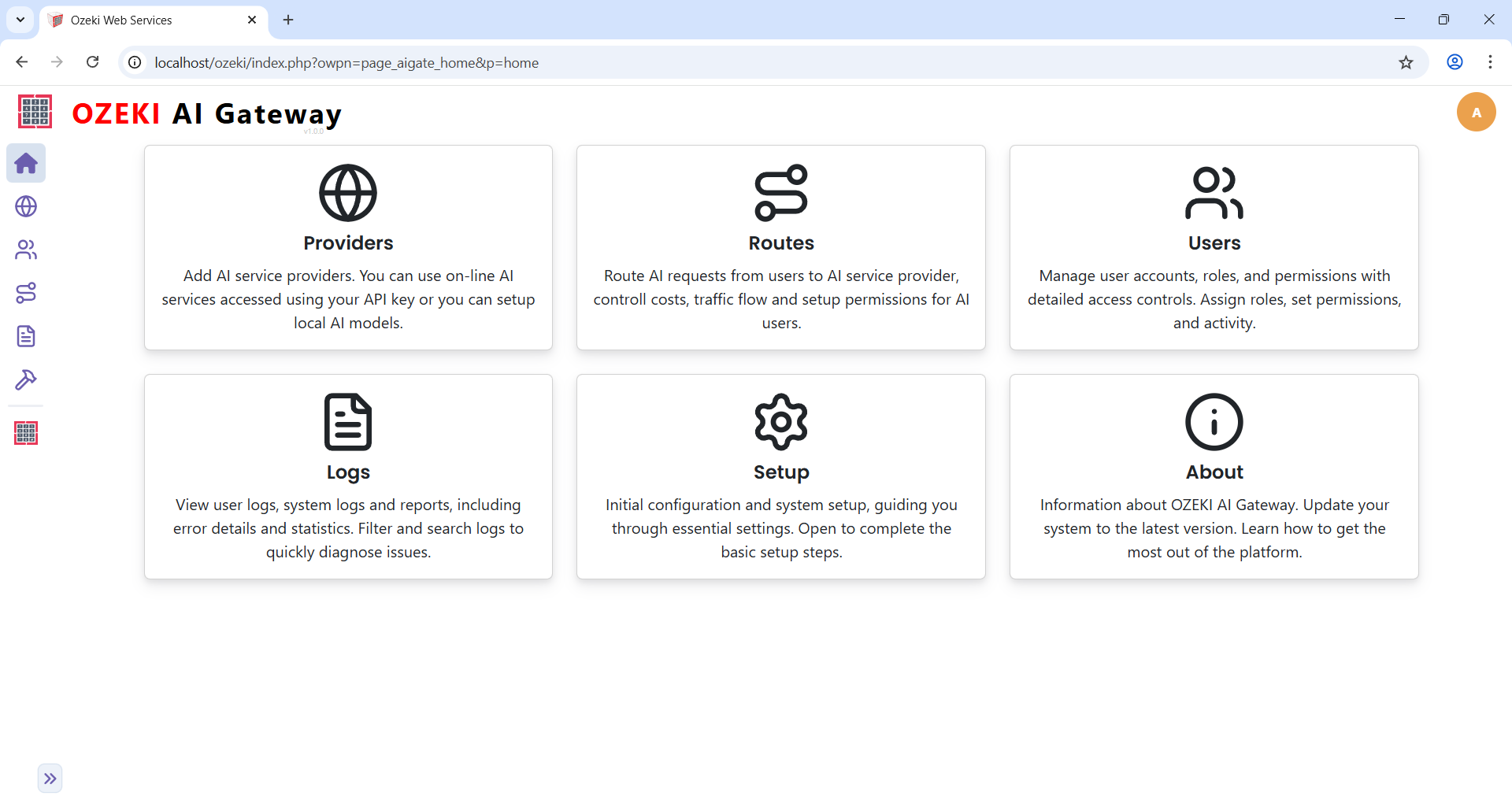
Homepage
The Ozeki AI Gateway homepage serves as the central navigation hub, displaying six main sections in a card-based layout. This clean interface provides quick access to all gateway management functions from a single dashboard view.
AI Service Providers
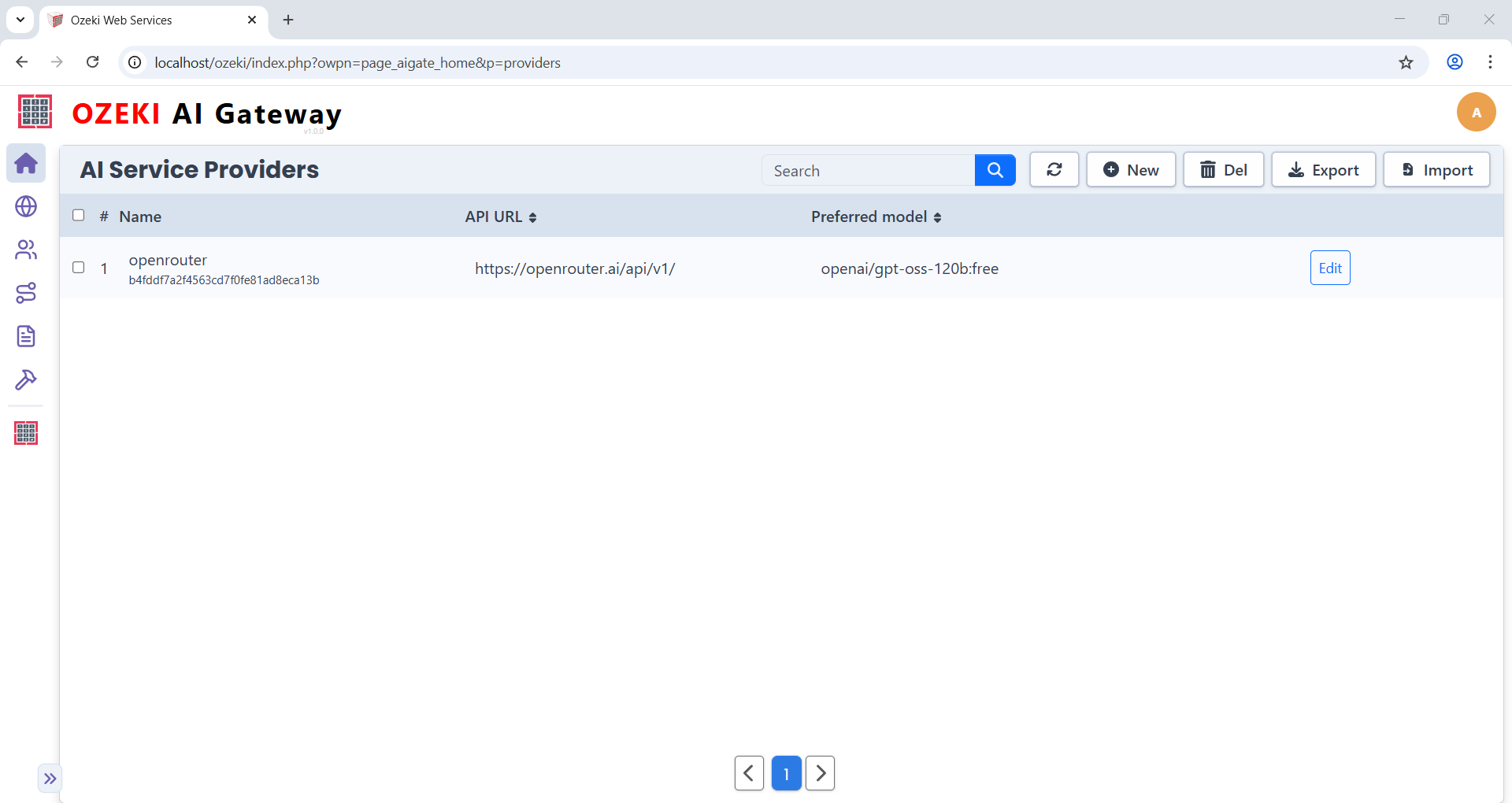
The Providers page displays all configured AI service connections in a table format. The interface includes search functionality and buttons for creating, editing, deleting, and importing/exporting provider configurations.
AI Users
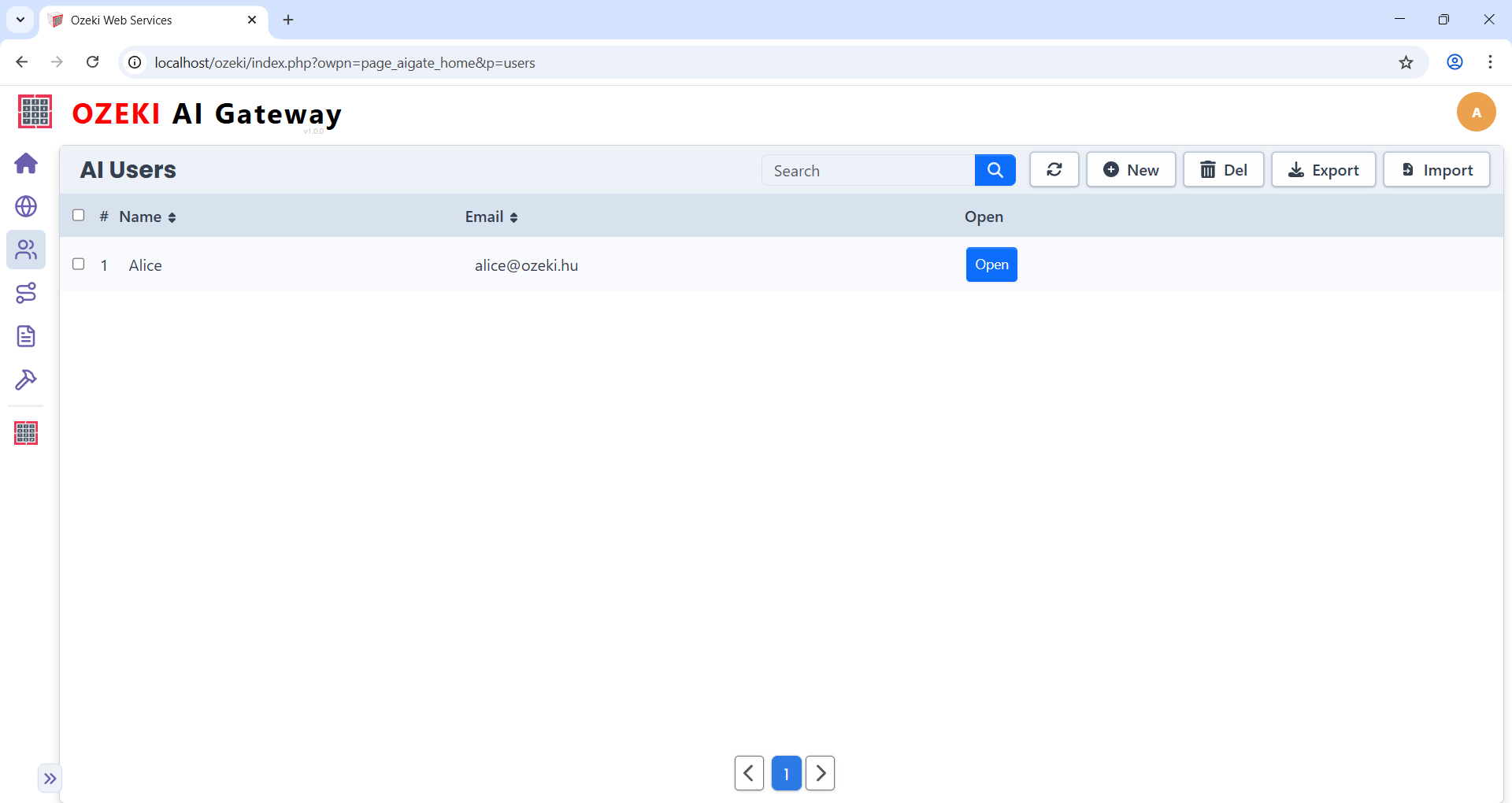
The AI Users page lists all user accounts in a table format. The "Open" button navigates to the API key management page. The toolbar includes search functionality and buttons for creating, deleting, and importing/exporting users.
User API Keys
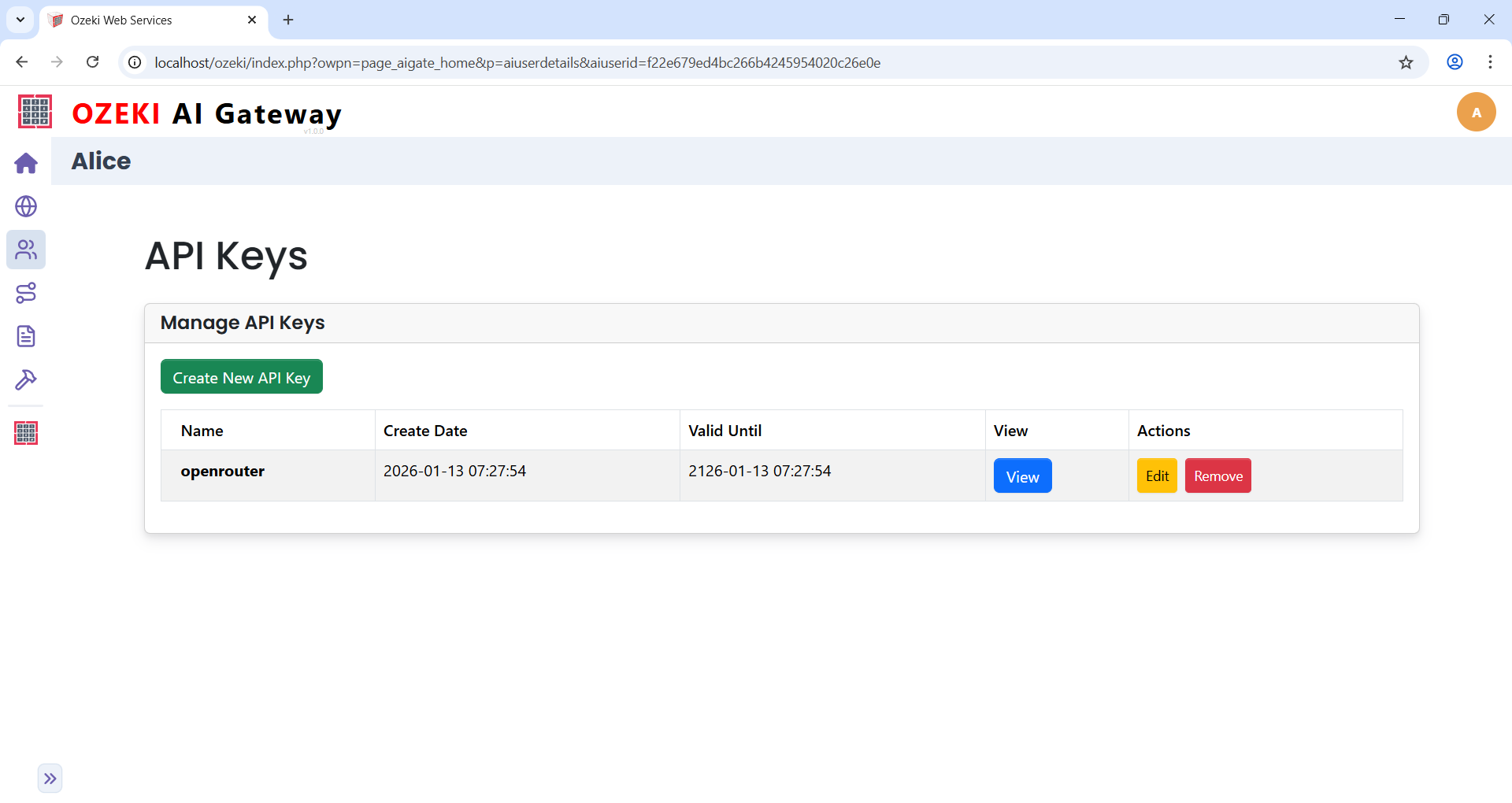
The API Keys page displays a user's authentication credentials for accessing the gateway. You can view the full API key, edit its details, or remove it using the provided buttons. The interface provides functionality to create additional API keys for the user account.
Routes Configuration
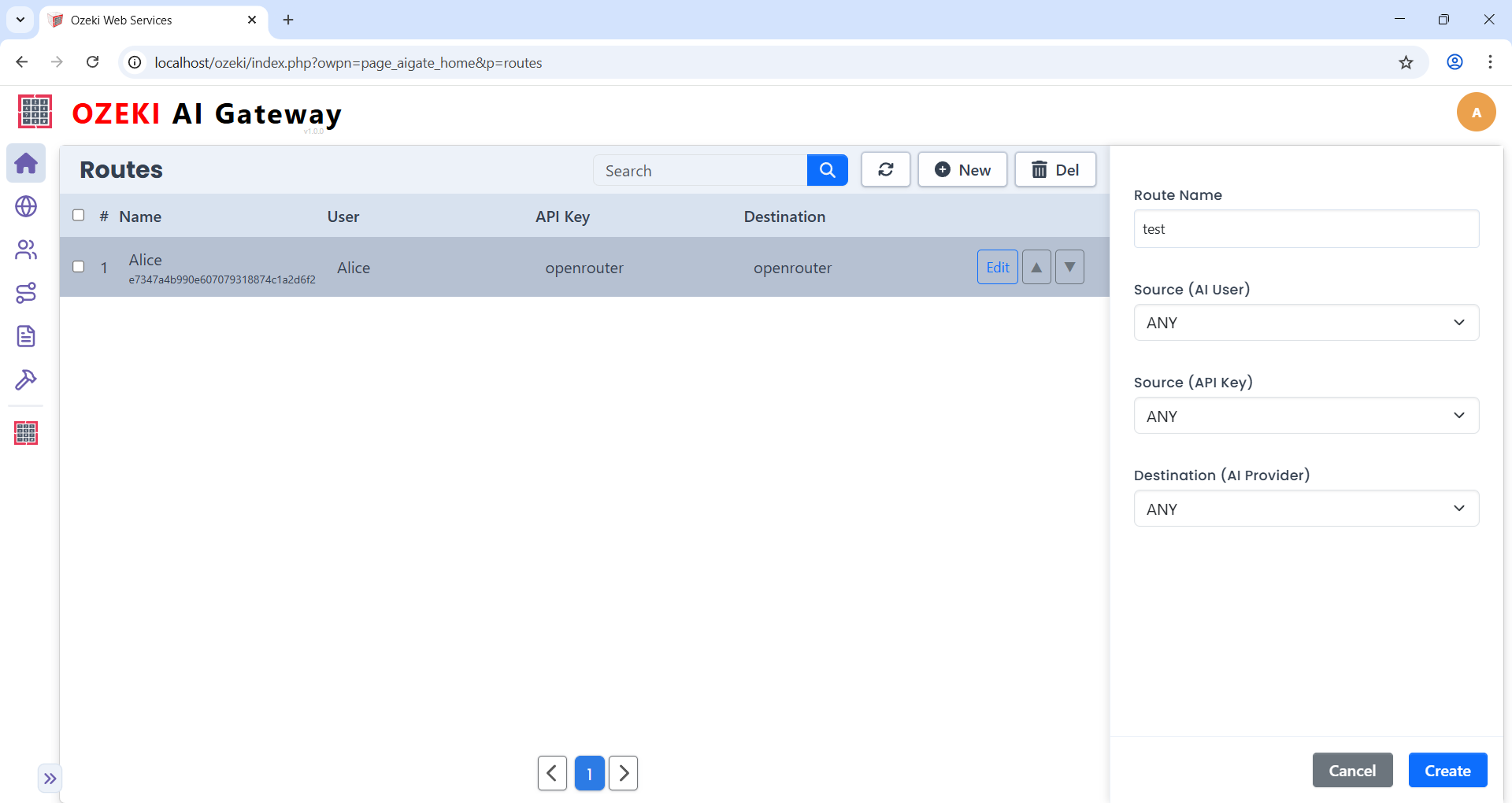
The Routes page displays routing rules that connect users to AI providers. Routes define which users can access which providers and models. The "New" button opens a form for creating routes, while the table lists all existing configurations.
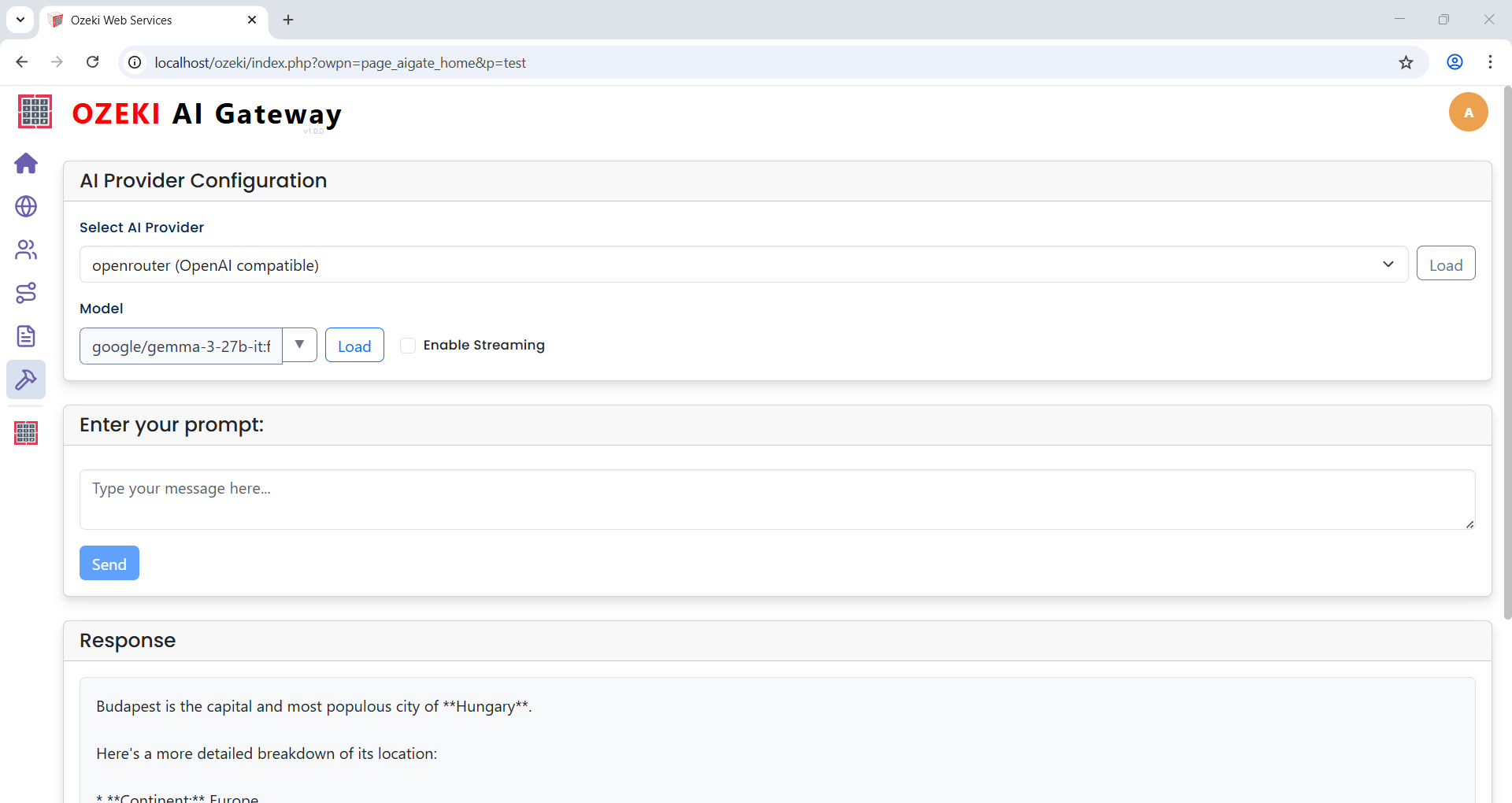
Testing Tool
The Testing page provides an interface for verifying AI provider connections. Test prompts can be entered and submitted to selected providers and models. The Response section displays the AI model's output, confirming proper communication.